To reproduce
· select an appropriate file
· press ctrl+Q
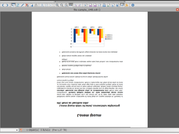
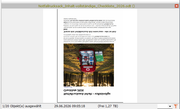
=> the file is displayed mirror-inverted and upside down.
I also tested this using default settings and I also tested it with "FreeCommander XE 2026 Build 9542 64-bit non public TEST!" with same results.
FreeCommander XE 2026 Build 953 64-bit non public
Windows 11 Pro 64-bit Version 25H2 Build 26200.9457