Page 1 of 1
Quickfilter, size and location
Posted: 03.02.2021, 11:09
by mgroen
Hi,
I really like FreeCommander. Specially the quickfilter also!
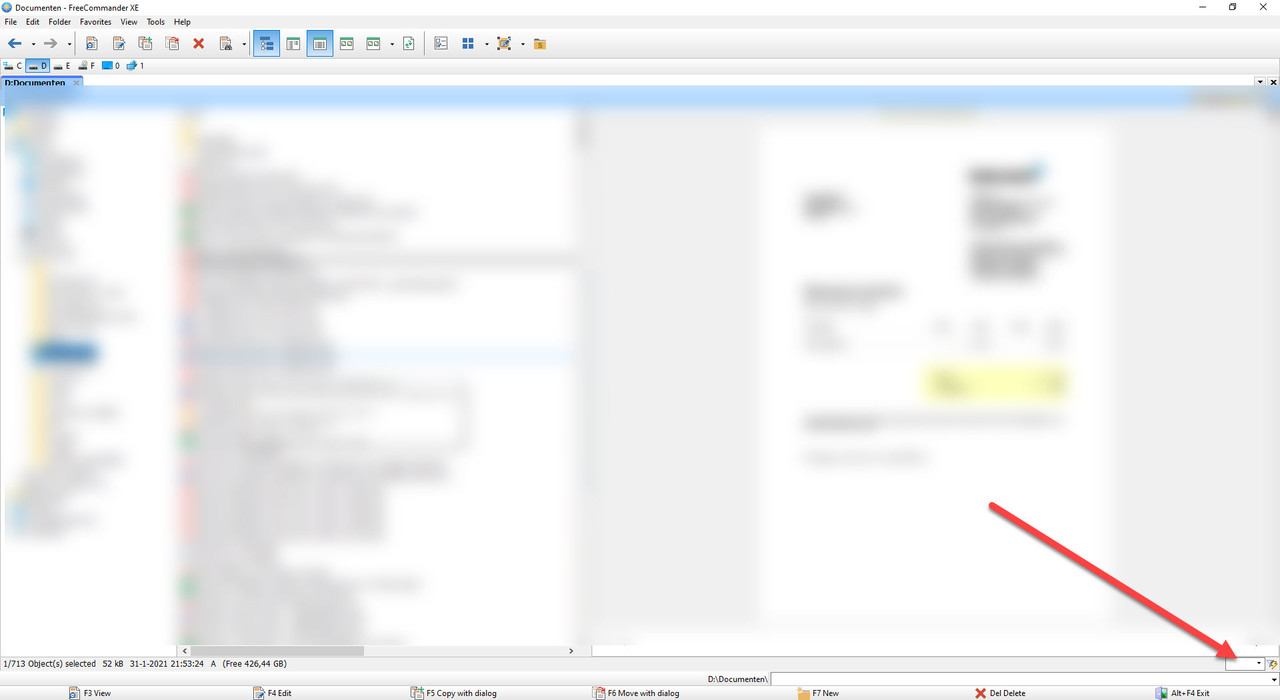
but the location of the quickfilter, and its size.
Can I change the size (more with) and the location (more to the left) of the Quickfilter?
Re: Quickfilter, size and location
Posted: 03.02.2021, 13:43
by Karol
The settings for quick filter (It's really not hard to find):
https://freecommander.com/fchelpxe/en/Q ... ilter.html
Re: Quickfilter, size and location
Posted: 03.02.2021, 13:58
by mgroen
Thanks!
is is rude to ask for a feature request to also be able to change the position of Quickfilter? (more to the left)?
edit:
best option in my opinion would be to have 3 options of the Quickfilter location: right, middle, left
I personally prefer midde or left, but other may prefer right.
Re: Quickfilter, size and location
Posted: 05.02.2021, 00:51
by Forez
No way Hose!
All those years I was annoyed by the small width of the Quick Filter window - and all that time it was my own fault. Because its configurable! What a moron I am
mgroen wrote: 03.02.2021, 13:58
[...]
best option in my opinion would be to have 3 options of the Quickfilter location: right, middle, left
[...]
I concur
Re: Quickfilter, size and location
Posted: 05.02.2021, 00:57
by Forez
Forez wrote: 05.02.2021, 00:51
[...]
All those years I was annoyed by the small width of the Quick Filter window - and all that time it was my own fault
[...]
I take that back: I am still annoyed. Because the width reverts to being only 300 after setting a bigger
I understand just why a 300 would seem a reasonable limitation: because someone can be using a 4:3 aspect ratio and have very large fonts. But that is what the settings are for - to adjust the GUI to the needs of a given user
If someone uses a 21:9 aspect ratio, than this 300 limit is a waste of [unused] space
I have tried to override this limit by editing the FreeCommander.ini file, but it keeps getting changed to 300
Re: Quickfilter, size and location
Posted: 05.02.2021, 13:36
by mgroen
Forez wrote: 05.02.2021, 00:57
Forez wrote: 05.02.2021, 00:51
[...]
All those years I was annoyed by the small width of the Quick Filter window - and all that time it was my own fault
[...]
I understand just why a 300 would seem a reasonable limitation: because someone can be using a 4:3 aspect ratio and have very large fonts. But that is what the settings are for - to adjust the GUI to the needs of a given user
If someone uses a 21:9 aspect ratio, than this 300 limit is a waste of [unused] space
I have tried to override this limit by editing the FreeCommander.ini file, but it keeps getting changed to 300
I agree.