Can "Quick search" hide the un-matched file
Posted: 13.09.2025, 09:47
Hi buddies,
i am new to FC, i used TC for years before...i have one question about quick search: Can FC "Quick search" hide the un-match file?
1. in TC, when i type "fc", the files whose name have not "fc" will be hide, after press ESC, all the files will be show again.
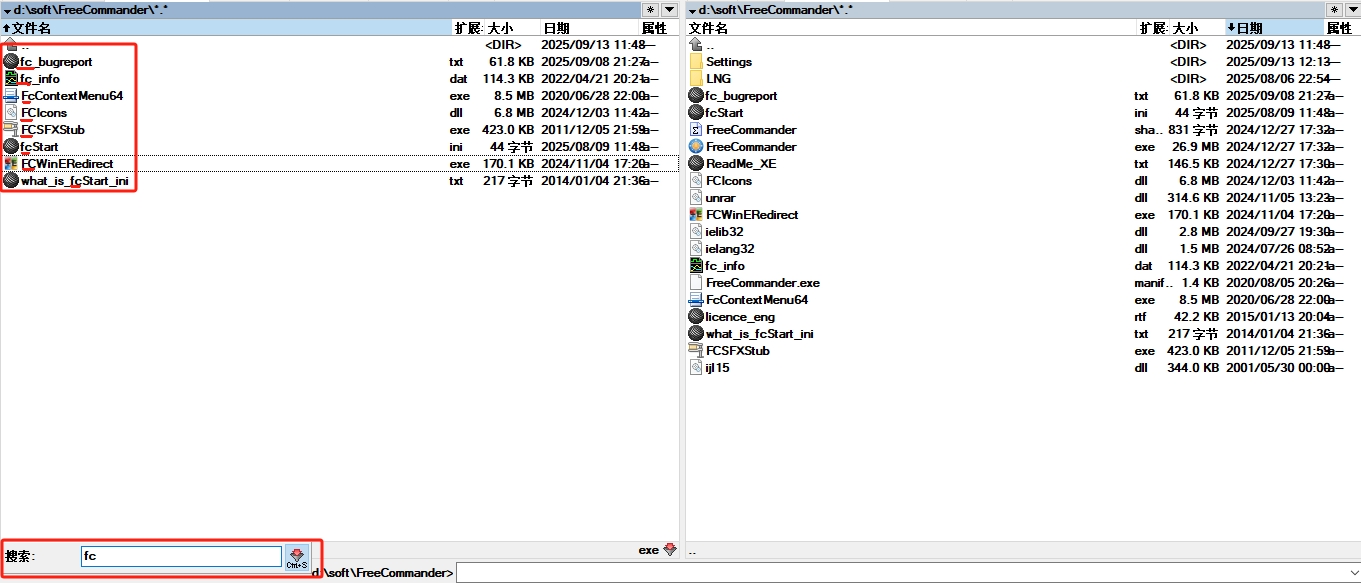
2. but in FC, the quick search will not hide the un-matched file.
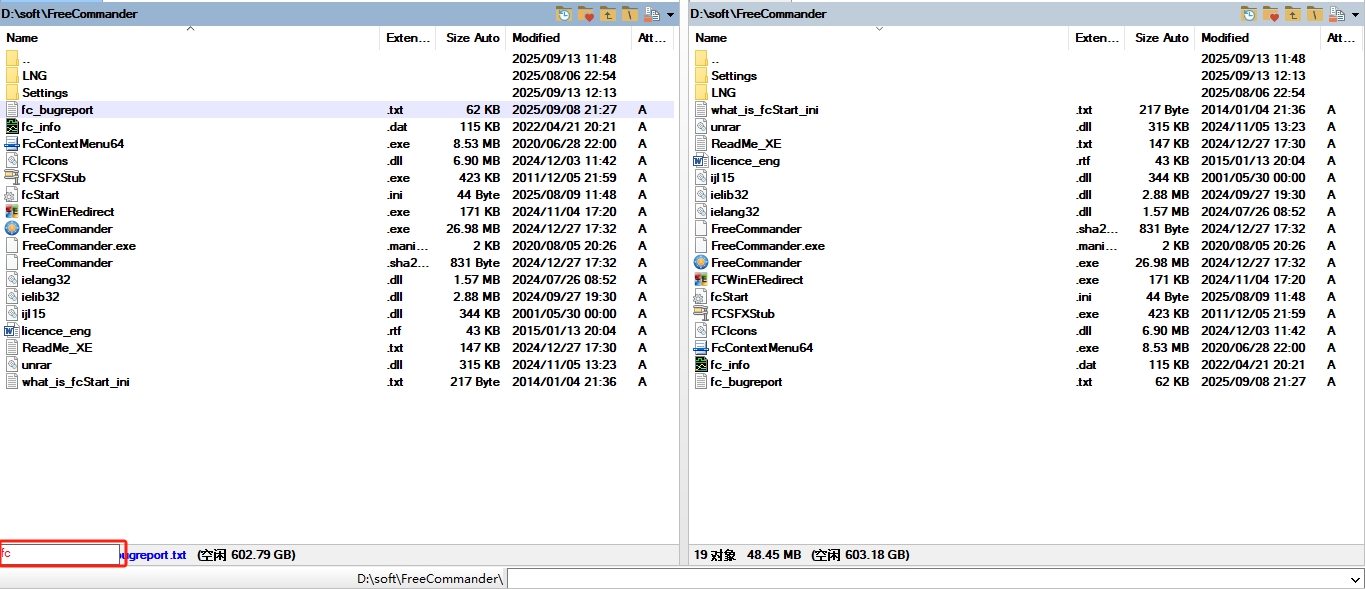
and i know i can press Ctrl+S(I reset the default shortcut from Ctrl+Y to Ctrl+S) to open the Quick filter bar and type "fc" to hide the un-matched file, then press Ctrl+s to close the quick filter bar to show all the files(it seems the ESC cann't close quick filter bar??), but it's a bit complex and not efficient...
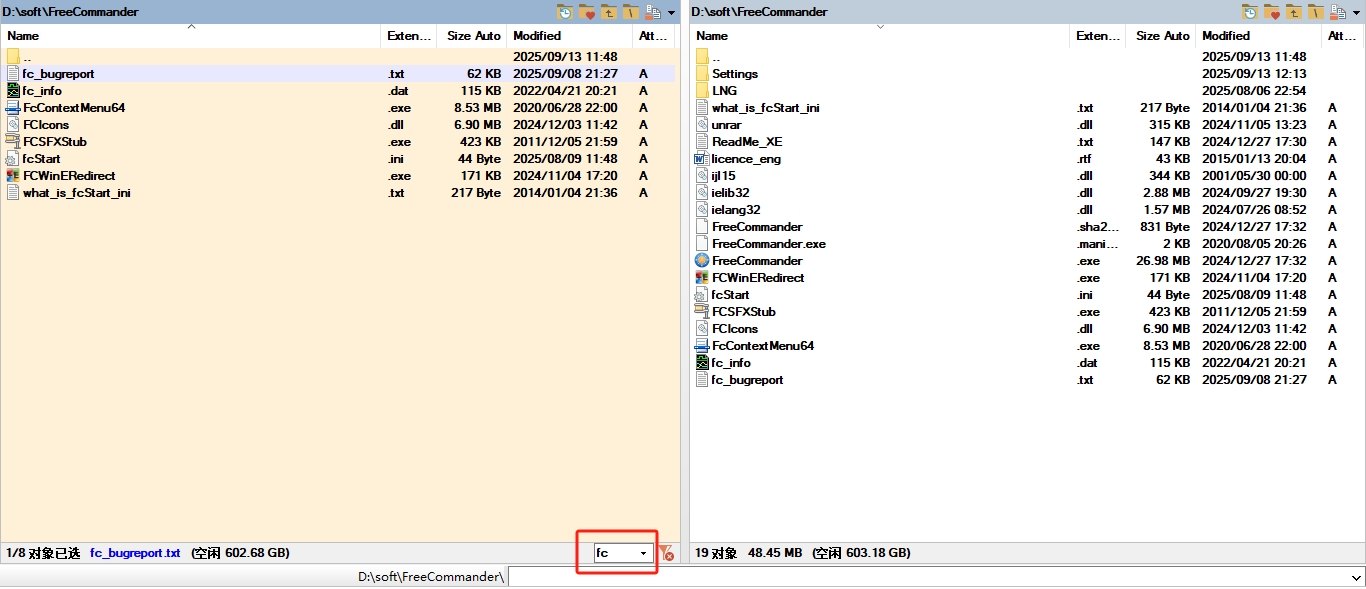
below is my setting, any suggestions?

i am new to FC, i used TC for years before...i have one question about quick search: Can FC "Quick search" hide the un-match file?
1. in TC, when i type "fc", the files whose name have not "fc" will be hide, after press ESC, all the files will be show again.
2. but in FC, the quick search will not hide the un-matched file.
and i know i can press Ctrl+S(I reset the default shortcut from Ctrl+Y to Ctrl+S) to open the Quick filter bar and type "fc" to hide the un-matched file, then press Ctrl+s to close the quick filter bar to show all the files(it seems the ESC cann't close quick filter bar??), but it's a bit complex and not efficient...
below is my setting, any suggestions?
