Page 1 of 1
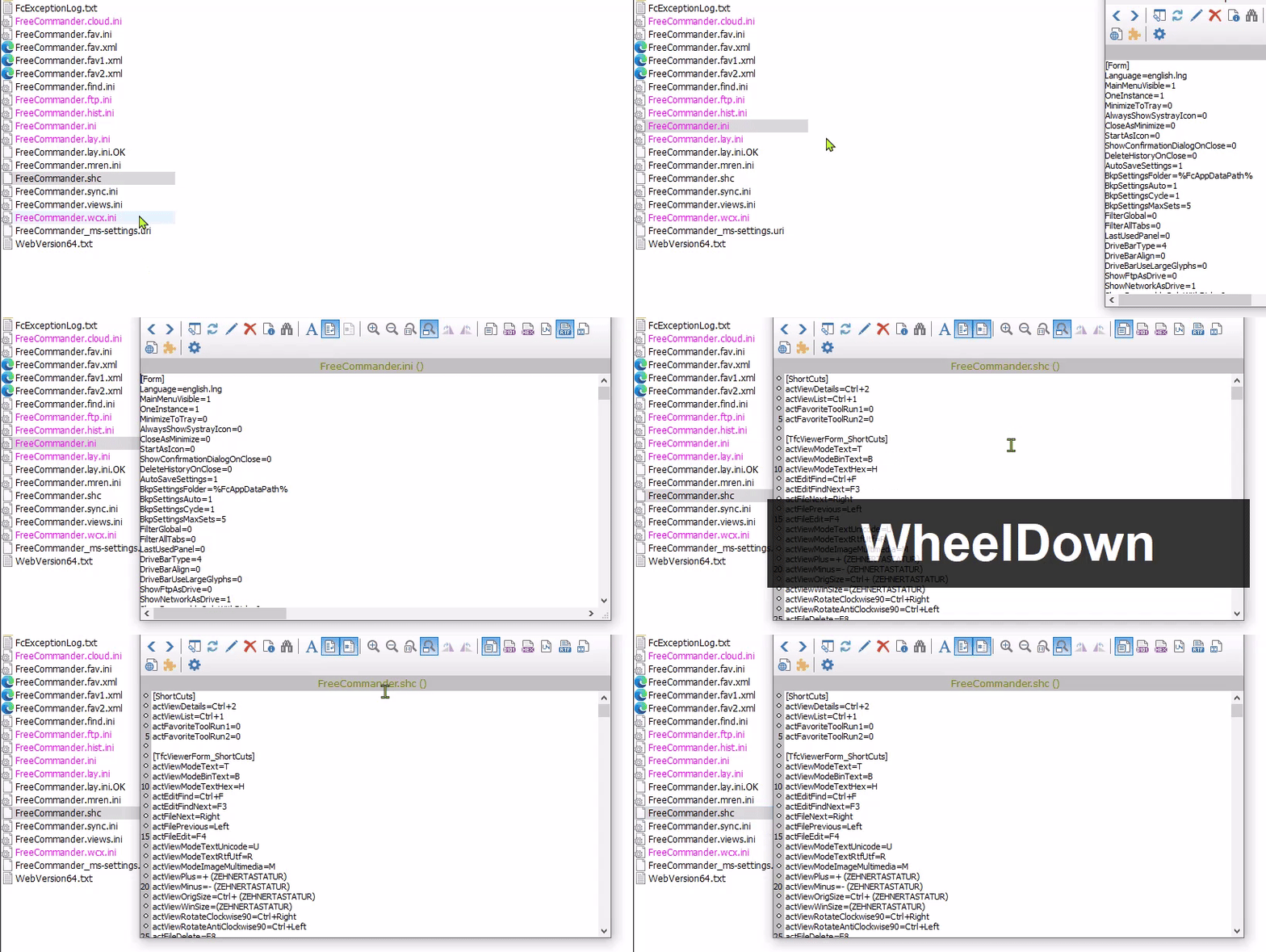
[947] Viewer bug: Scroll down reads next file
Posted: 26.04.2026, 20:22
by NumberOne
1. Select a file eg. to View (F3)
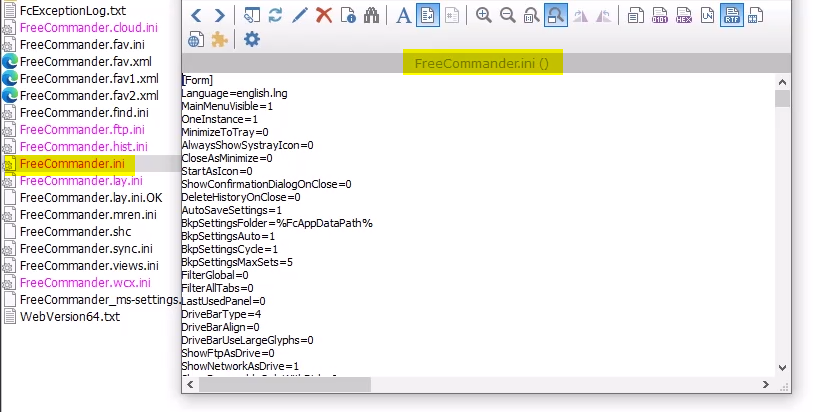
2. Scroll down fast, the next file is loaded:
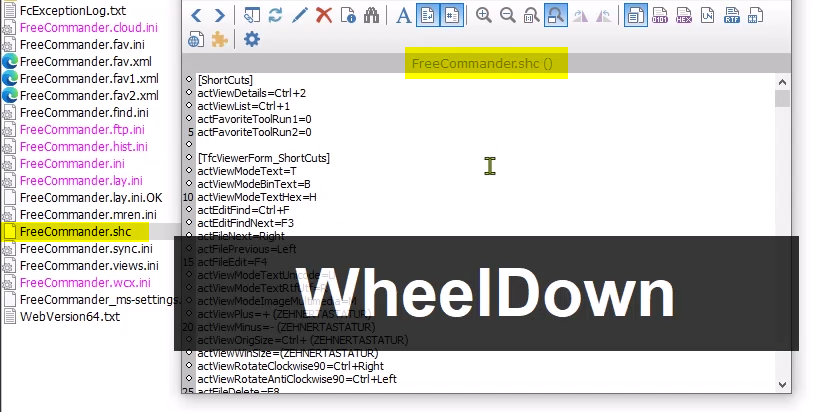
Expectations: should scroll down while keeping the first file in the viewer.
video:
https://i.postimg.cc/Hkhf3b2p/2026-04-26-20h08-14.gif
Re: [947] Viewer bug: Scroll down reads next file
Posted: 27.04.2026, 13:58
by Dreamer
Can't reproduce, tested with default and custom settings, viewer (F3) and quick viewer (ctrl+q).
Need the steps to reproduce, more info, please.
947 64-bit portable, Windows 10 64-bit.
Re: [947] Viewer bug: Scroll down reads next file
Posted: 27.04.2026, 22:47
by NumberOne
1. download test files:
https://filebin.net/3i1wfrm1l52evyvl/bug.7z
2. overwrite FreeCommander.ini
3. do as in video:
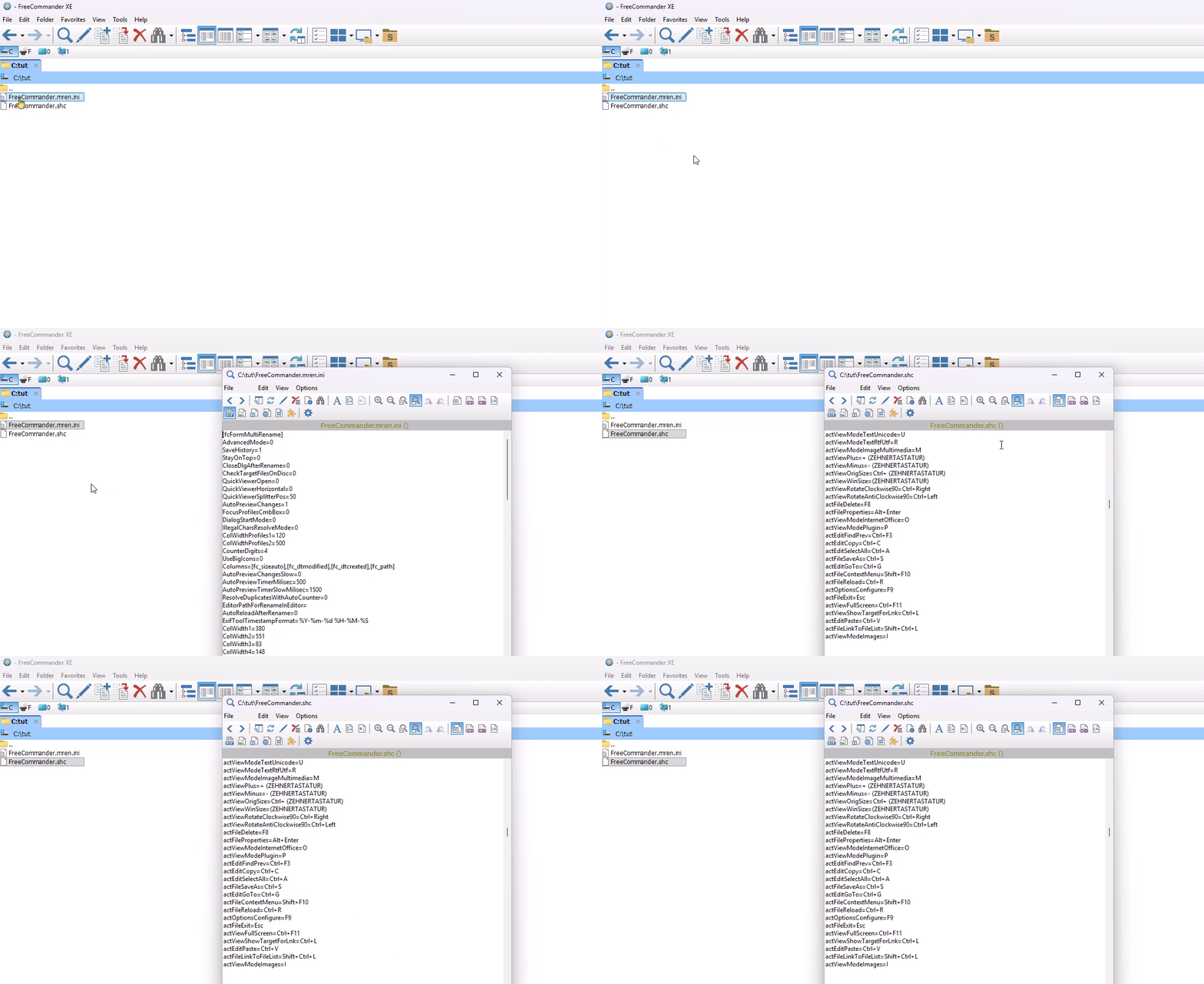
-> apparently a value in the FC.ini is responsible for the bug
Re: [947] Viewer bug: Scroll down reads next file
Posted: 28.04.2026, 19:22
by Marek
Image - use mouse wheel for:
If "zooming" is selected, it can be zoomed with the mouse wheel. With "Ctrl + mouse wheel" files can be switched.
If "switching files" is selected files can be switched with the mouse wheel. With "Ctrl + mouse wheel" it can be zoomed.
You use the option for "switching files". This option also affects other files if the focus is not set to the viewer.